
Introducing Observations: Locations and Test Reports in One Place
The new Observations tab brings location settings, recent test reports, and result previews together in your test panel.
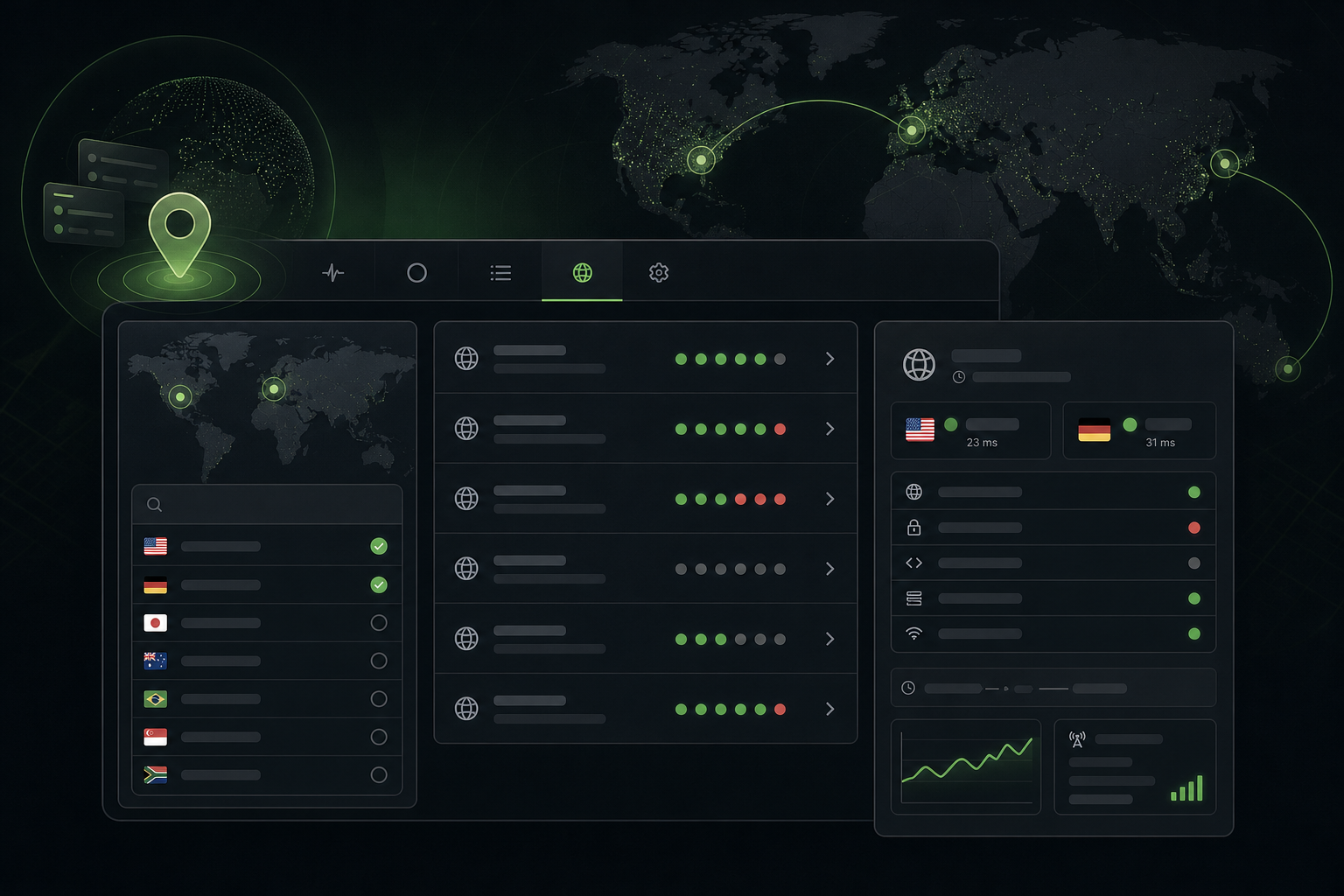
Understanding a test starts with knowing what happened during it. The new Observations tab brings observation settings and recent reports together, making recorded results easier to find and review.
Choose observation locations
Select up to two observation locations using the interactive world map or searchable country list. Saved locations apply to new tests; existing reports retain their original settings.
Review recent test results
The recent-test overview includes a compact preview of each test’s recorded checks:
- Green dots indicate successful responses.
- Red dots indicate failed checks.
- Neutral dots indicate unknown results.
Select a test to open its dedicated report and inspect observations in more detail.
Explore report details
Reports show timestamps, location-specific results, latency, and available network information. Keeping these records attached to individual tests makes it easier to follow what happened throughout each run.
Within your account, overlapping tests on the same endpoint with the same observation locations share checks. This avoids repeating observations simply because several tests are running at once.
Availability
Observations is available on plans with the test reports feature enabled. Open your test panel and select **Observations** to choose locations and explore recent reports.